Recently, while browsing forums and communities, I came across a trendy and cool new term: Vibe Coding.
At first glance, it might sound confusing—what exactly is “Vibe Coding”?
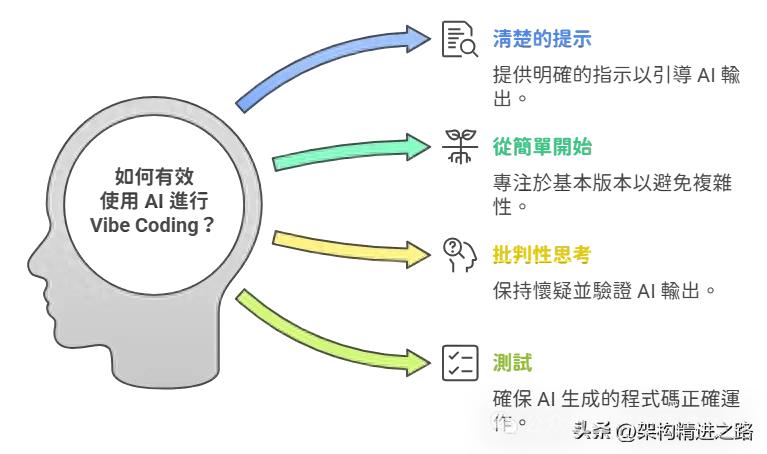
Is it about creating a certain atmosphere while coding? Today, I will share my understanding of “Vibe Coding” from a developer’s perspective, along with tools that can help you get into the vibe.
What is Vibe Coding?
In English, “Vibe” means atmosphere or feeling. So, it translates to “atmospheric programming” or “immersive programming.” However, this “immersion” is not just about creating a ritualistic coding environment; it fundamentally changes the way we write code.
To put it simply: Vibe Coding does not concern itself with how the code is implemented; the core focus is on whether the generated code produces the desired results. The tedious tasks of logic implementation and underlying details are left to AI. I only need to focus on the outcome, identify any issues, and adjust the prompt to request changes. The AI will automatically help refine and optimize the code until the final result meets my expectations. The entire process immerses you in a cycle of “state your ideas → see results → continue adjusting → get results again,” leading to incredibly high efficiency.
For example, in traditional coding—
Most of us need to understand the entire implementation thought process, writing and modifying every detail ourselves, and tracing bugs back to their source.
In Vibe Coding—
The process is completely different:
- I express my needs (in natural language, through a diagram, or by giving an example) to the AI: “I want this kind of function/effect/result.”
- The AI (whether it’s ChatGPT, Copilot, or an agent in a dedicated Vibe Coding platform) automatically generates the code and interface without me needing to worry about how it works.
- I use the actual results to “verify”: if it’s correct, I accept it; if not, I provide feedback and ask the AI to adjust.
- This cycle continues until the results I see align perfectly with my expectations, and the code is ready.
In essence, humans are responsible for posing questions and reviewing, while AI handles solving problems and grading. The entire process is immersed in a closed loop of “immediate feedback → adjustment → further feedback → further adjustments,” allowing me to focus solely on the outcome, embodying a truly laid-back productivity style.
What is the Process of Vibe Coding?
I’ve roughly sketched a flowchart:
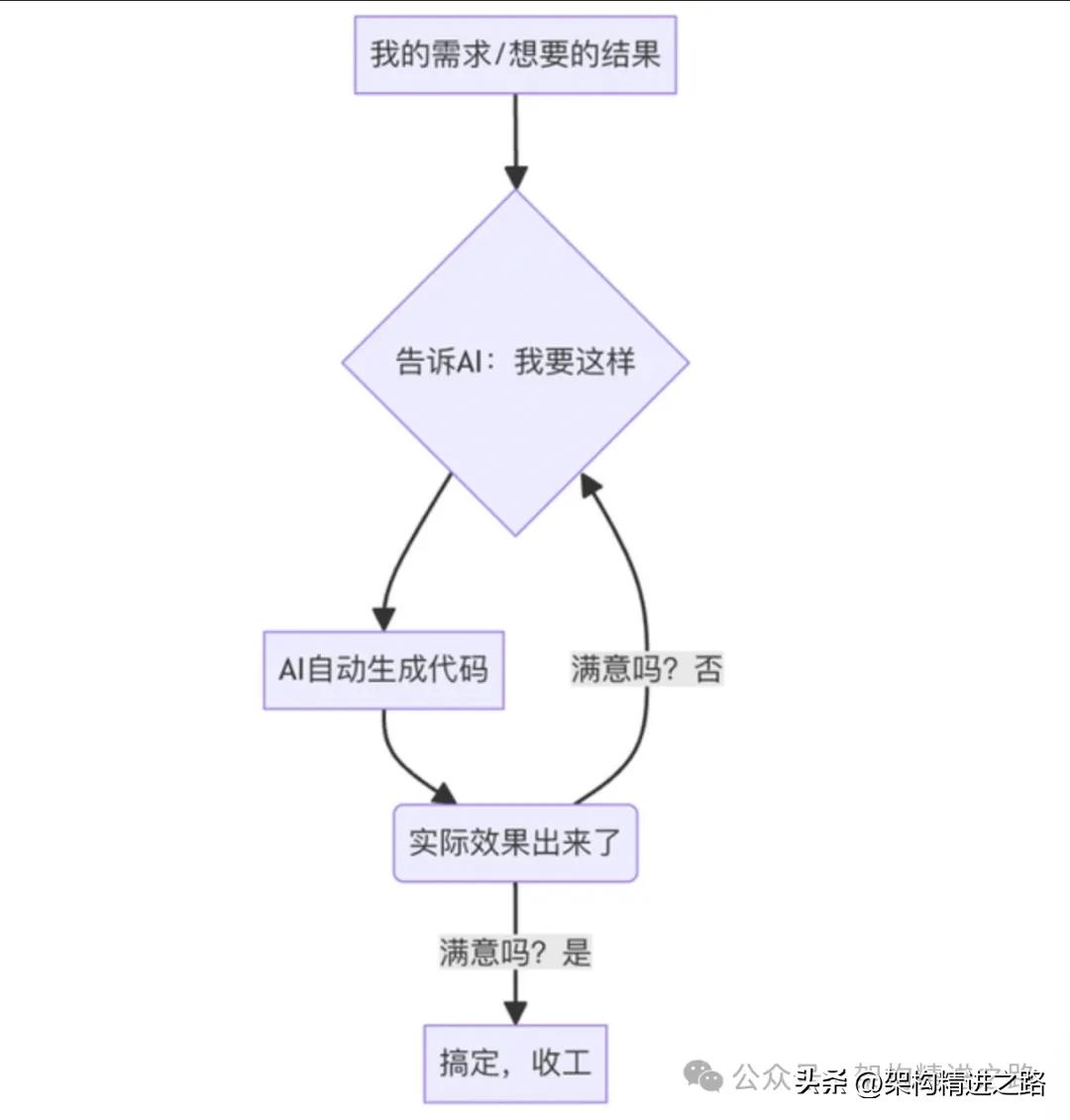
A relatable analogy: it’s like ordering takeout—you just choose the dishes, and the AI does the cooking. If the food doesn’t suit your taste, you simply provide feedback! The AI chef will immediately make changes until you’re satisfied.
Why is This Approach Enjoyable?
- Extremely High Efficiency
You save a lot of time worrying about underlying logic and debugging, focusing entirely on “what do I want”; the details are handled by AI.
2. Zero Barrier to Entry
You don’t need to be a programming expert; even beginners can engage. The thought process relies on subjective feelings and immediate adjustments, making it suitable for rapid trial and error, product prototype validation, and visual demos.
3. More Immersive, Almost Like Divine Assistance
You’re not bogged down by code, fully immersing yourself in the act of “creation” and “expression”. When you notice something is off, you can quickly correct it, leading to a smooth workflow.
Common Vibe Coding Tools
In essence, any tool that allows for “immersive experience + AI automatic adjustments + instant previews” qualifies as a Vibe Coding tool. The current trend of “immersive programming” and results-oriented Vibe Coding relies heavily on the synergy of AI IDEs and tools.
Here are a few of the most enjoyable tools available on the market today:
1. Cursor
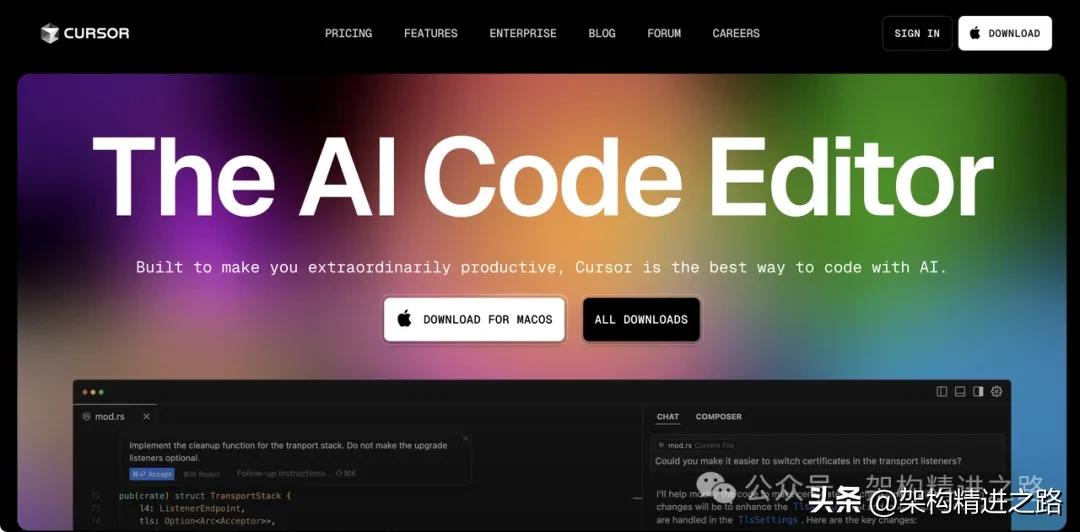
Honestly, among the current IDEs for coding, Cursor is definitely a top contender! Its built-in AI assistant can significantly ease your workload. Just tell it your requirements, and Cursor can help you write code, debug, adjust logic, and even automatically refactor, making the process incredibly smooth. You only need to review the results and suggest changes, while the AI takes care of the code details, perfectly aligning with the Vibe Coding style of “immersion-feedback-adjustment”.
2. Trae
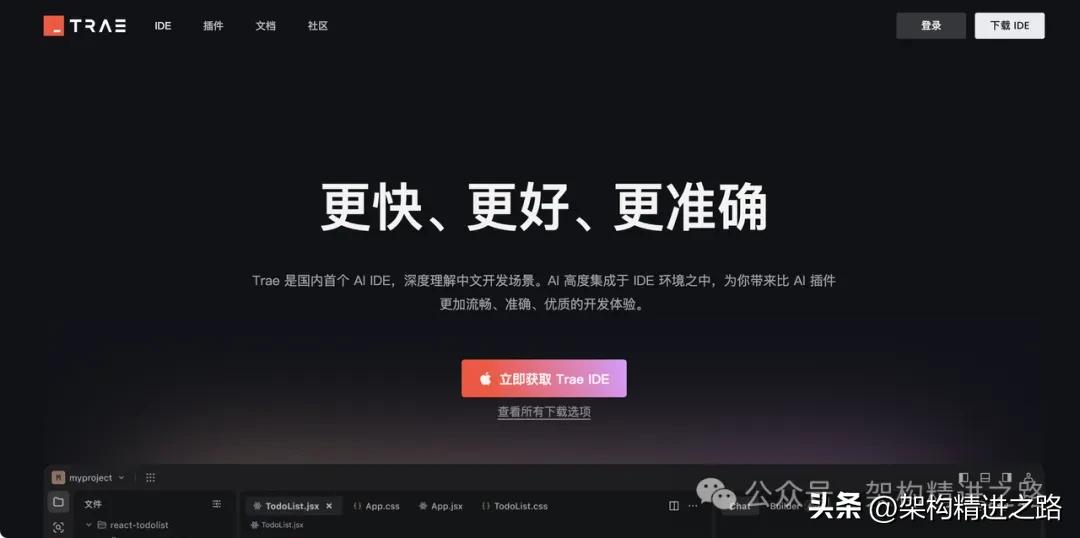
Trae.ai is another AI programming IDE, a product from ByteDance, currently available for free. It allows you to write code, check documentation, and add interfaces, and you can converse with it to modify features and troubleshoot, achieving results with less effort.
3. VSCode + Cline Plugin
If you are a loyal VSCode user, I recommend trying the Cline plugin. It integrates the AI assistant directly into VSCode, allowing seamless collaboration with the editor. You can write code, check APIs, and request features, and it will help you generate, complete, and refactor code, even connecting to the Apifox MCP Server with one click to automatically retrieve and utilize API documentation. This transforms development into a process of “VSCode writes - Cline thinks - AI produces results,” creating an incredibly smooth experience.
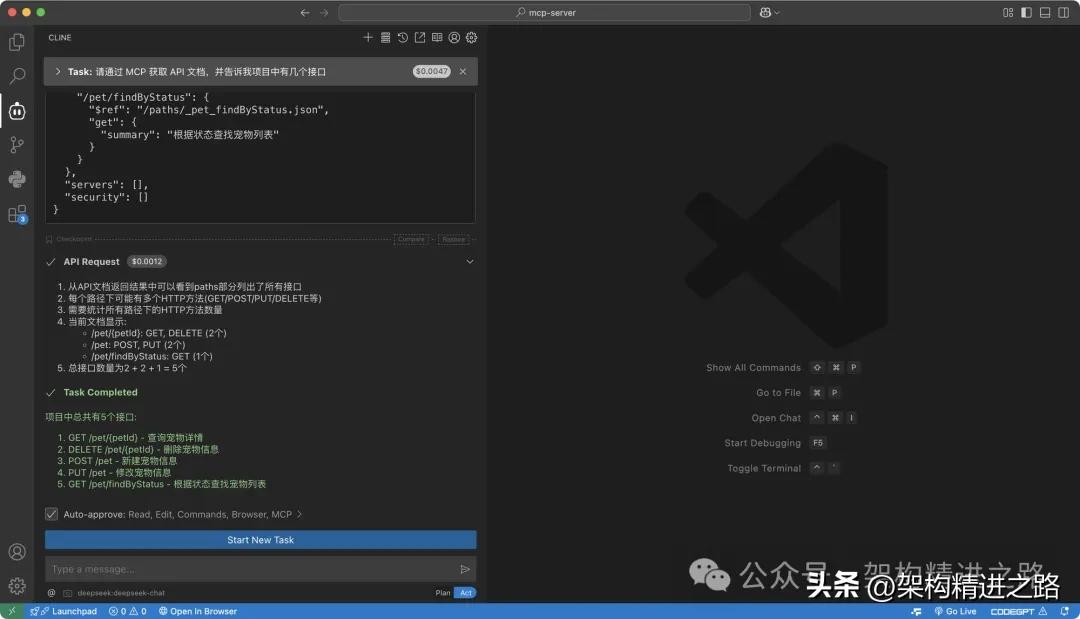
4. Apifox MCP Server
When discussing knowledge management and API data in the AI era, the MCP Server is truly noteworthy.
What’s its strength? Simply put, it can take the API documentation you’ve written (such as your project API specifications, fields, usage instructions, etc.) and feed it to Cursor, Trae, VS Code (with the Cline plugin), or any other supported AI tools with one click.
The biggest advantage is that you can focus on coding and business without memorizing API interfaces or repeatedly checking documentation. Just tell the AI: “Generate the Product interface based on the API documentation,” “Add a few new fields in the DTO,” or “Write detailed comments for all fields”… and the AI will take care of it automatically, truly achieving professional code, interfaces, and comments that are “standardized upon writing, synchronized with any changes.”
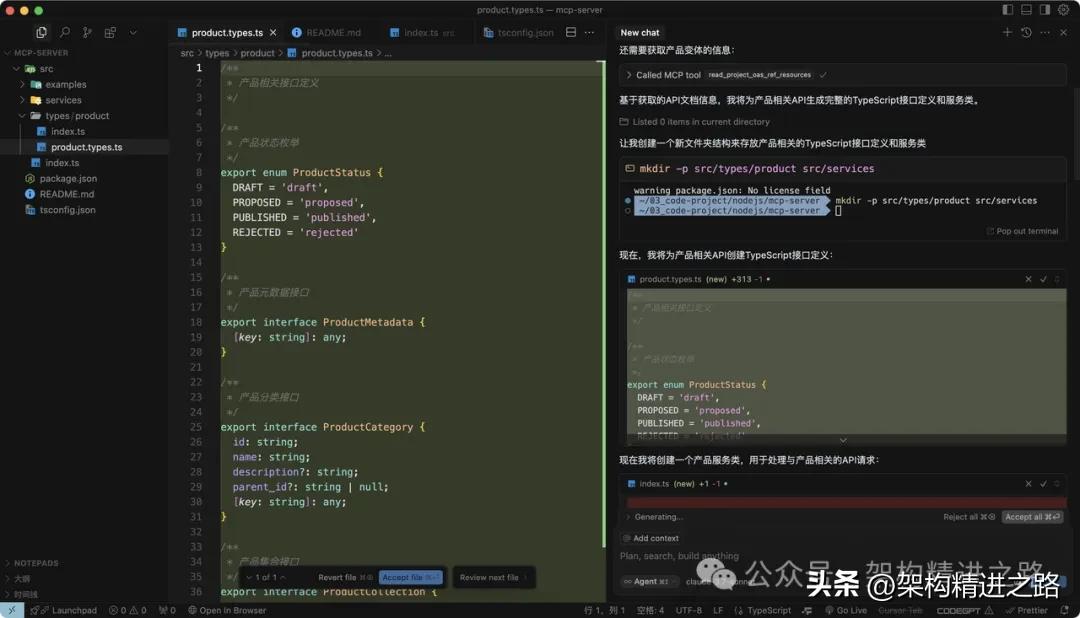
With the MCP Server, the “knowledge blind spots” in AI programming are virtually eliminated, leading to a significant boost in efficiency and more professional teamwork, especially suitable for backend, microservices, collaborative projects, and various automation and intelligent code generation tasks.
Conclusion
Vibe Coding represents the ultimate comfort for humans—focusing solely on results and articulating needs while leaving everything else to AI. If you discover anything that doesn’t meet your expectations, simply tell the AI, “Make adjustments and provide feedback immediately,” maximizing the immersive experience and achieving extraordinary efficiency.
·END·
Comments
Discussion is powered by Giscus (GitHub Discussions). Add
repo,repoID,category, andcategoryIDunder[params.comments.giscus]inhugo.tomlusing the values from the Giscus setup tool.